If you need portable Wi-Fi or a simple home internet setup, a T-Mobile hotspot is a solid option, but only if your area has good coverage.
I wrote this because hotspot plans have been trending again. So I went through official plan details and real user feedback to break this down in simple terms.
This guide is for you if you:
- Travel often
- Work remotely
- Don’t want cable or fiber setup
- Need backup internet
Table of Contents
What is a T-Mobile hotspot?
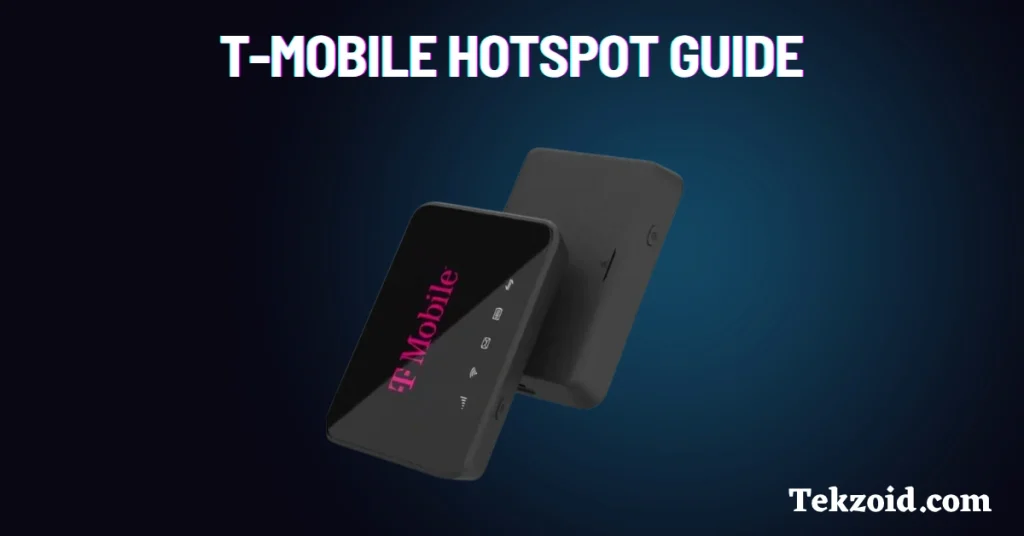
A T-Mobile hotspot is a small device that uses 4G LTE or 5G and converts it into Wi-Fi.
You can connect multiple devices like your phone, laptop, or tablet. It works anywhere with network coverage.
You also get a home internet option, often called the hotspot box, which is designed for regular home use.
T-Mobile hotspot devices
Here are the main options you’ll see:
- TMOHS1
Basic 4G LTE device, supports around 10 devices. Good for personal use. - Franklin T10
Reliable and simple. Works well for small homes or basic work setups. - JEXtream RG2100 5G hotspot
High-end option with Wi-Fi 6. Supports up to 20 devices. Also works as a power bank. - Hotspot Box (Home Internet)
Uses 5G to provide Wi-Fi across your home. No wires needed.
If you’re just browsing or working alone, go with a basic device. If multiple people are using it, 5G models make more sense.
T-Mobile hotspot plans
Plans depend on how much data you need.
Basic plans:
- 15GB plan, around $20/month
- 30GB prepaid, around $40/month
- 50GB prepaid, around $50/month
Higher-end plans:
- Experience More, $85/month with 60GB hotspot data
- Experience Beyond, $100/month with up to 250GB high-speed data
From what I’ve seen, most people underestimate usage. Video calls, YouTube, and downloads eat data fast. If you work online daily, 15GB is not enough.
Free T-Mobile hotspot option
T-Mobile runs a program called Project 10Million.
Direct answer: Eligible students can get a free hotspot device and 200GB of data per year for 5 years.
Who qualifies:
- K-12 students
- Families in programs like SNAP, Medicaid, or NSLP
This is one of the better free connectivity programs available right now.
Real user experience
From user feedback and forums:
What works well:
- Easy setup, takes 5–10 minutes
- Good for travel and backup internet
- Stable for light work and streaming
Common issues:
- Speeds drop in crowded areas
- Performance depends heavily on coverage
- Data caps can be limiting
This is important. A hotspot is only as good as the network in your area. Always check coverage first.
Pros and cons
Pros:
- No installation required
- Works anywhere with a signal
- Multiple plans available
- Free option for students
Cons:
- Speed is not consistent everywhere
- Data limits on most plans
- 5G home internet depends on signal strength
Is it worth it?
If you want flexible internet without cables, yes.
But don’t treat it like fiber. It’s best for:
- Remote work
- Travel
- Backup internet
- Small households
If you need constant high-speed internet for heavy usage, cable or fiber is still better.
Video:
FAQs
Is T-Mobile hotspot unlimited?
No, most plans have high-speed data limits; after that, speeds are reduced.
Can I replace home Wi-Fi with a T-Mobile hotspot?
Yes, but only if your area has strong 5G coverage and your usage is moderate.
How fast is T-Mobile hotspot?
Speeds vary, but 5G hotspots can reach 100 Mbps or more in good coverage areas.
