If you just got Spectrum Internet, you can set it up yourself in about 15 to 20 minutes. You only need to connect the modem and router, activate your service, and connect your devices.
I wrote this because I noticed this topic trending, and a few people asked me after watching one of my videos. I also checked Spectrum’s official setup flow and combined it with real user issues I’ve seen.
This guide is for new Spectrum users who want a quick, no-confusion setup without calling a technician. Also checkout Tracfone Home Internet.
Table of Contents
What You Get in the Spectrum Self-Install Kit
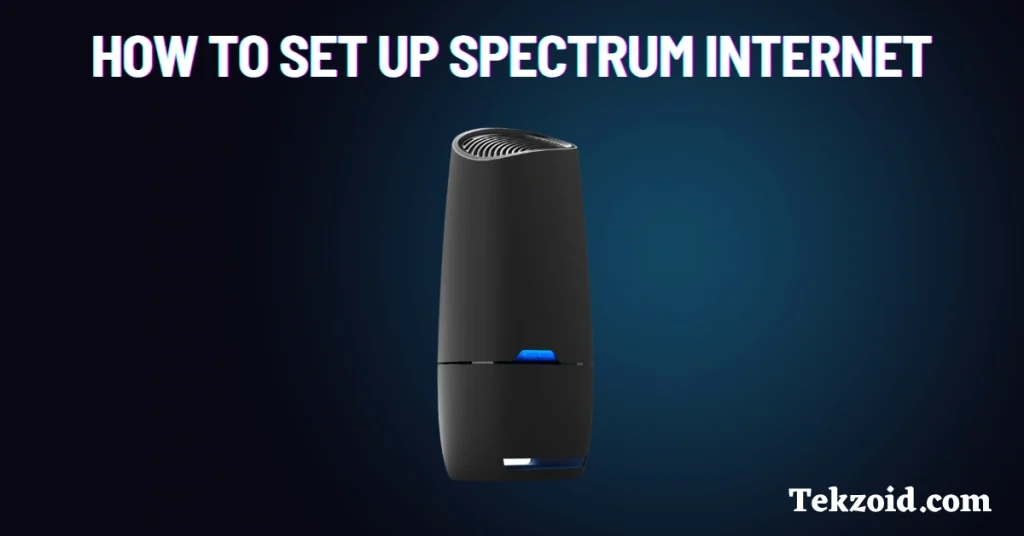
When your kit arrives, check these items first:
- Modem
- Wi-Fi router or gateway
- Coaxial cable
- Ethernet cable
- Power adapters
- Setup guide
If anything is missing, don’t start. Contact support and get it fixed first.
Step 1: Connect the Modem
Start with the modem. This is what brings the internet into your home.
- Connect the coaxial cable from the wall outlet to the modem
- Plug in the power cable
- Wait for the “Online” light
You’re looking for a solid blue light. This usually takes 2 to 10 minutes.
If it keeps blinking after 10 to 15 minutes:
- Check if the cable is tight
- Try another wall outlet
- Restart the modem once
Don’t move to the next step until this is stable.
Step 2: Connect the Router
Now you set up Wi-Fi.
- Plug the Ethernet cable into the modem
- Connect the other end to the router’s Internet or WAN port
- Turn on the router
Wait for the lights to stabilize. This usually takes 3 to 5 minutes.
If you have a gateway device that combines a modem and a router, you can skip this step.
Step 3: Activate Your Spectrum Internet
This is where most people get stuck, but it’s simple.
- Go to spectrum.net/self-install
- Sign in with your Spectrum account
If you don’t have an account:
- Click “Create Username”
- Use your account number, email, or phone
Follow the on-screen steps. It takes about 5 minutes.
Once done, your internet line is activated.
Step 4: Connect to Wi-Fi
Now connect your phone or laptop.
- Check the router label for Wi-Fi name and password
- Open your device’s Wi-Fi settings
- Select your network and enter the password
You’re online.
I strongly recommend changing your Wi-Fi name and password using the Spectrum app. Default credentials are not secure.
Step 5: Improve Your Wi-Fi Signal
Setup is done, but performance matters.
Here’s what actually helps:
- Place the router in the center of your home
- Avoid corners, walls, and metal objects
- Keep it away from TVs and microwaves
- Elevate it slightly, like on a shelf
If you have a larger home:
- Use Spectrum Pods for better coverage
- Consider upgrading to a Wi-Fi 6 or Wi-Fi 7 router
Run a speed test after setup. If your plan says 300 Mbps and you’re getting 50 Mbps, something is wrong.
Quick fixes:
- Restart the modem and router
- Check connected devices
- Move closer to the router
If speed is still low, contact Spectrum support. Sometimes the issue is on their side.
What You Can Do After Setup
Once everything is working, you can:
- Stream content without buffering
- Work from home smoothly
- Join video calls without drops
- Play online games with a stable ping
That’s the whole goal. Stable internet, no hassle.
Video:
FAQs
How long does a Spectrum self-install take?
It takes about 15 to 30 minutes. Most of the time goes into waiting for the lights to stabilize and activate.
Do I need a technician for the Spectrum setup?
No. Most users can set it up themselves. A technician is only needed if there is a line issue or no signal from the wall outlet.
Why is my Spectrum internet not working after setup?
The most common reason is incomplete activation or loose cables. Check connections, restart devices, and confirm activation online.
