Smart Hub on a Samsung TV is the built-in home screen that lets you access apps, live TV, inputs, and smart features from one place.
I’m writing this because I kept seeing questions about Smart Hub in my YouTube comments, and one of my friends asked if it’s safe or just another feature they can ignore. I checked Samsung’s official documentation and also tested it on a newer TV to give you a clear answer.
Who this is for
- You own a Samsung Smart TV
- You are confused about Smart Hub
- You want to know if it’s useful or safe
- You’re planning to buy a Samsung TV
Table of Contents
What is Smart Hub on Samsung TV
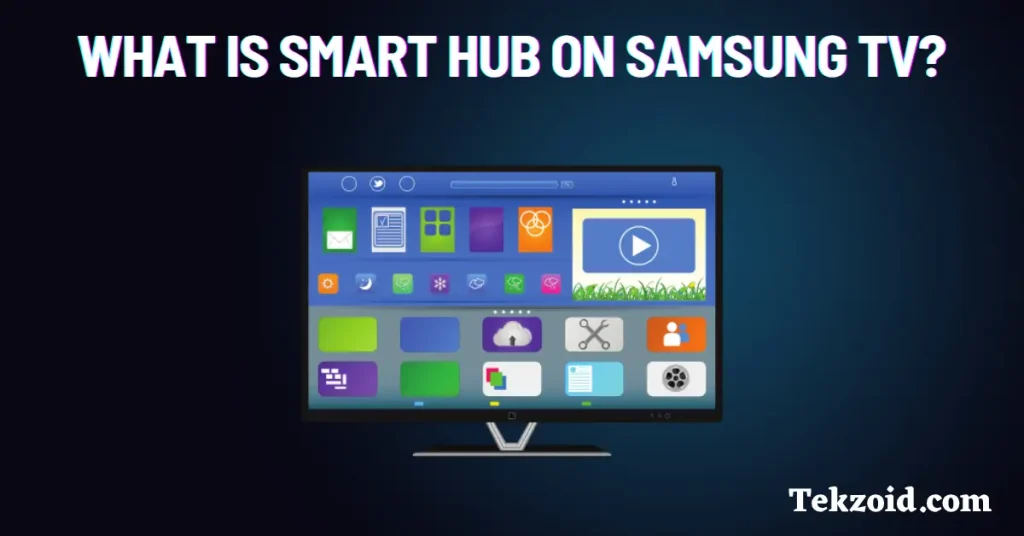
Smart Hub is the main dashboard on Samsung Smart TVs. When you press the Home button, this is what opens.
It runs on Samsung’s Tizen OS and works as a control center. From here, you can switch between apps, live TV, and connected devices.
In simple terms, it replaces the old TV menu with a faster and easier interface.
What you can do with Smart Hub
Here are the features that actually matter in daily use:
- Unified access
- Open apps like YouTube and Netflix
- Switch to HDMI devices like a set-top box or console
- Access USB media
- Smart recommendations
- Shows suggestions based on your watch history
- Works better when you log into your Samsung account
- Gaming Hub
- Stream games without a console on supported TVs
- Works with services like Xbox Cloud Gaming
- SmartThings control
- Control smart home devices like lights or cameras
- Manage devices directly from your TV
- Voice control
- Use Bixby, Alexa, or Google Assistant
- Search content or control settings
- Ambient Mode
- Show photos, artwork, or useful info when idle
From my experience, the unified menu and quick switching are the most useful. The rest depends on your usage.
What you need to use Smart Hub properly
To get the full experience, you need:
- A Samsung account
- Stable internet connection, at least 10 Mbps
- Updated TV software
Without a login, you can still use basic features, but recommendations won’t be accurate.
Also, older TVs may feel slow. Newer models run much more smoothly.
Is Smart Hub safe
Yes, Smart Hub is safe.
It is part of Samsung’s official software and gets regular updates. It does collect basic usage data for recommendations, but you can control this.
If you care about privacy:
- Turn off personalized ads
- Limit data sharing in settings
- Avoid linking unnecessary accounts
There is no malware risk if you stick to official apps.
Should you use Smart Hub or ignore it
If you use a Samsung TV, you will use Smart Hub. It’s the default interface.
Use it if:
- You watch YouTube or Netflix daily
- You switch between multiple inputs
- You use smart home devices
You can ignore extra features if you only watch cable TV.
Video:
My take after testing:
Smart Hub saves time and makes navigation easier. You don’t need every feature. Use only what helps you.
FAQs
Is Smart Hub free on Samsung TVs
Yes, Smart Hub is free. You only pay for subscription apps like Netflix.
Can I remove Smart Hub from my Samsung TV
No, it’s part of the system. You can customize it and remove apps.
Why is Smart Hub slow on my TV
It can be due to an older model, low storage, or slow internet. Try updating software or restarting the TV.
