Setting up Mint Mobile 5G Home Internet usually takes less than 15 minutes if you place the gateway in the right location and follow the setup steps correctly.
I decided to write this because I noticed many people searching for setup help after Mint Mobile launched its home internet service.
A few readers also asked whether the setup process is similar to other 5G home internet providers like T-Mobile.
So I checked Mint Mobile’s official instructions, looked at user feedback, and reviewed how the gateway setup actually works in real-world use.
This guide is for people setting up Mint Mobile 5G Home Internet, also called MINTernet, for the first time.
Table of Contents
What Comes in the Mint Mobile 5G Home Internet Box?
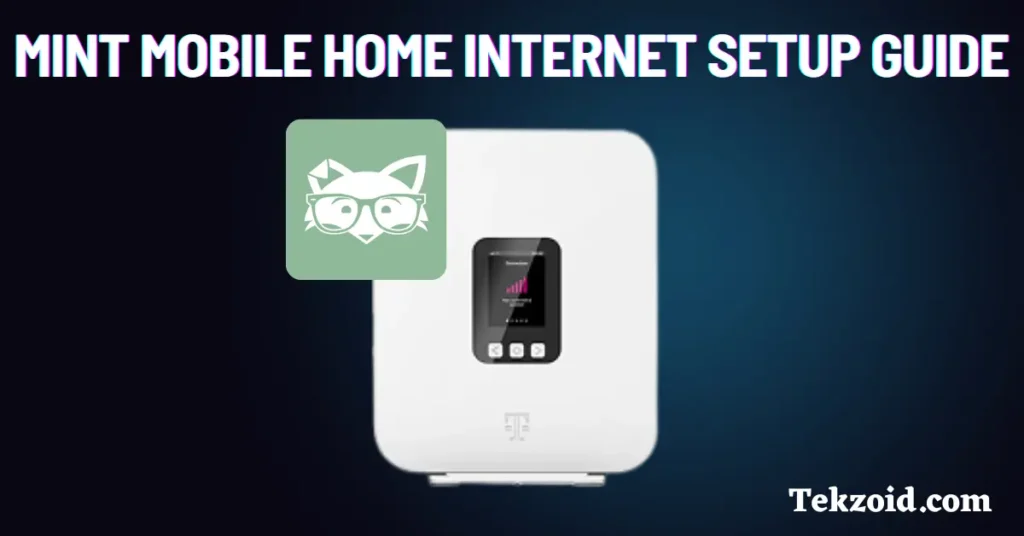
The Mint Mobile internet starter kit includes the equipment needed to get online.
Inside the box, you’ll usually find:
- 5G Gateway
- Power cord
- Windowsill bracket on certain models
The gateway works as both:
- Your modem
- Your Wi-Fi router
That means you do not need separate networking equipment for a basic setup.
Step 1: Find the Best Spot for the Gateway
Placement matters a lot with 5G home internet.
Unlike traditional cable internet, wireless gateways depend heavily on signal quality from nearby cellular towers.
Best placement tips
- Place the gateway near a window
- Keep it close to a power outlet
- A second floor often works better if available
- Avoid placing it near large appliances
- Keep it away from other wireless electronics
The gateway needs open space for better signal reception.
Even moving it a few feet can improve speeds.
Step 2: Plug In and Power On the Gateway
Now it’s time to start the gateway.
Follow these steps
- Connect the power cord to the gateway
- Plug the other end into a wall outlet
- Press the power button on the device
- Wait several minutes for startup and network connection
During startup, the gateway searches for Mint Mobile’s network automatically.
How to know the gateway is connected
- Signal bars appear on the device
- Connection lights stabilize
- Wi-Fi becomes available
You do not need full signal bars for good internet performance.
Many users still get strong speeds with moderate signal levels.
What about the T-Life app prompt?
Some gateway models may show a message suggesting the T-Life app during setup.
You can safely ignore it if you prefer to complete setup manually.
Step 3: Connect Your Devices to Wi-Fi
Once the gateway connects, you can join the Wi-Fi network.
Steps to connect your devices
- Open Wi-Fi settings on your phone, laptop, tablet, or TV
- Find the Mint Mobile Wi-Fi network name
- Enter the Wi-Fi password printed on the gateway
- Connect to the network
After connecting, your devices should have internet access immediately.
How Mint Mobile 5G Home Internet Works
Mint Mobile Home Internet runs on T-Mobile’s 5G network.
Instead of using cable lines or fiber, the gateway connects wirelessly to nearby cellular towers.
Main advantages of this setup
- No technician visit required
- No drilling or cable installation
- Faster setup process
- Portable gateway design
For many users, setup feels much easier than traditional cable internet installation.
Tips for Better Wi-Fi Performance
Many slow-speed problems come from poor gateway placement.
To improve performance
- Keep the gateway elevated if possible
- Avoid enclosed cabinets or shelves
- Keep it away from thick walls
- Reposition the gateway if speeds seem weak
Wireless home internet performance can vary heavily depending on signal strength inside your home.
Common Mint Mobile Home Internet Problems
Gateway not connecting
This usually happens because of:
- Weak 5G signal
- Incorrect placement
- Service activation delay
Try moving the gateway closer to a window and restarting it.
Slow internet speeds
Possible causes include:
- Network congestion
- Weak indoor signal
- Too many connected devices
Testing different placement locations often helps.
Wi-Fi network not appearing
Try these fixes:
- Restart the gateway
- Wait a few more minutes after startup
- Confirm the device is powered on properly
Is Mint Mobile 5G Home Internet Easy to Set Up?
For most users, yes.
Compared to cable internet, Mint Mobile’s setup process is much simpler because there’s usually no technician appointment or complicated installation involved.
If your area has strong T-Mobile 5G coverage, setup is usually straightforward.
The biggest factor affecting performance is where you place the gateway inside your home.
Video Tutorial:
Who Should Consider Mint Mobile 5G Home Internet?
This service works best for people who:
- Want a simple wireless internet setup
- Live in areas with strong T-Mobile coverage
- Want an alternative to cable internet
- Prefer lower equipment complexity
It may not be ideal for users in weak 5G coverage areas.
FAQs
Does Mint Mobile Home Internet require a technician?
No. The setup is self-installed and usually only requires plugging in the gateway.
Where should I place the Mint Mobile gateway?
Near a window, in an open area, and away from large appliances or thick walls.
Can I move the Mint Mobile gateway to another room?
Yes. In fact, moving the gateway can improve signal strength and internet speeds, depending on placement.
